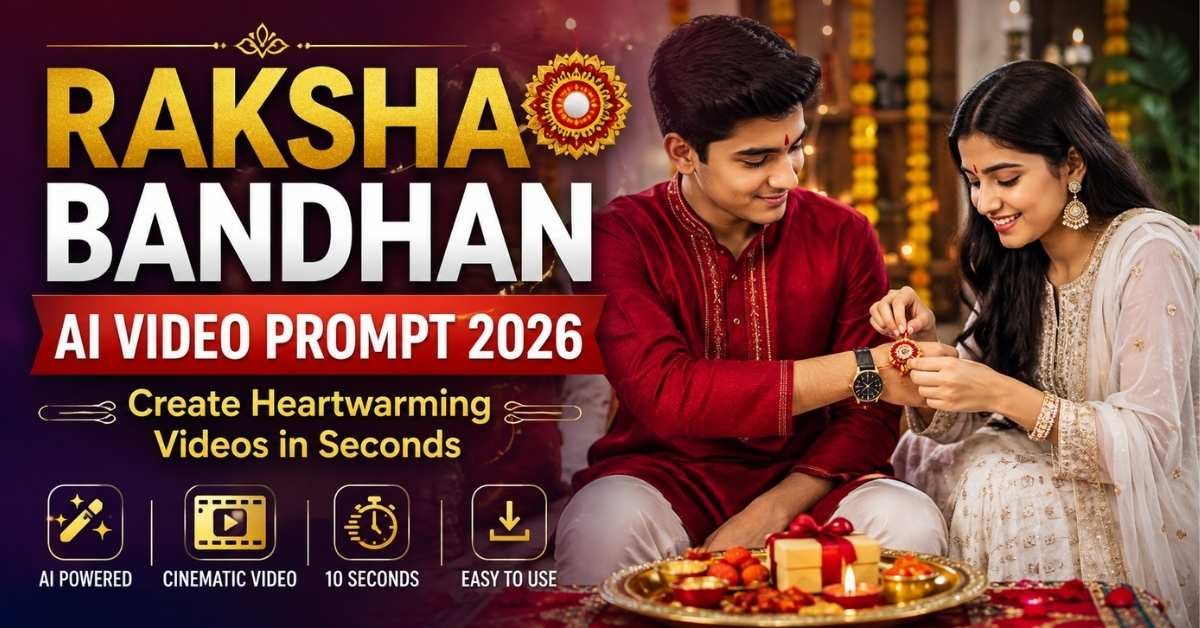
Raksha Bandhan is a beautiful celebration of the bond between brothers and sisters. With modern AI video-generation tools, you can now transform ordinary family photographs into short, cinematic Rakhi videos featuring realistic expressions, traditional decorations, emotional moments, and smooth camera movements.
In this guide, you’ll find a ready-to-use Raksha Bandhan Video Editing Prompt along with a simple step-by-step method for creating your own AI-generated Rakhi video.
You can use the finished video for Instagram Reels, YouTube Shorts, Facebook Reels, WhatsApp Status, or as a personal Raksha Bandhan greeting.
How to Create a Raksha Bandhan AI Video
Creating a cinematic Raksha Bandhan video does not require advanced video-editing skills. You mainly need suitable reference photos and an AI video generator that supports image-to-video generation.
Step 1: Select Your Photos
Choose clear, high-resolution photos of the brother and sister. Make sure their faces are visible and not heavily blurred, covered, or distorted.
Step 2: Open an AI Video Generator
Use an AI video-generation platform that supports reference images or image-to-video generation.
Step 3: Upload the Reference Images
Create a new project and upload the brother and sister photos. These images should be used as the identity references for the characters.
Step 4: Copy the Master Prompt
Use the Copy Prompt button below to copy the complete Raksha Bandhan AI video prompt.
Step 5: Paste the Prompt
Paste the copied prompt into your AI video generator. Keep the identity, clothing, and movement instructions intact for better consistency.
Step 6: Select the Video Ratio
For social-media content, a vertical 9:16 format is usually the best option.
You can also use:
- 9:16 – Instagram Reels, YouTube Shorts and WhatsApp Status
- 16:9 – YouTube landscape videos
- 1:1 – Square social-media posts
Step 7: Generate the Video
Set the duration according to your AI tool and generate the video. After processing is complete, preview the result and regenerate it if the faces, hands, clothing, or movements need improvement.
Raksha Bandhan AI Video Master Prompt
Copy this prompt:
Use the uploaded reference images as the sole identity references for the brother and sister. Preserve their facial identity, facial structure, hairstyle, skin tone, age, body proportions, and overall appearance consistently throughout the entire video.

Create a 10-second ultra-realistic cinematic Raksha Bandhan celebration inside a beautifully decorated Indian home.

The brother is dressed in a premium red traditional kurta with subtle embroidery, elegant white trousers, a luxury wristwatch, and traditional footwear. The sister wears an elegant white embroidered traditional outfit with a matching dupatta, delicate earrings, and traditional bangles. Keep their outfits, colors, accessories, hairstyles, and overall styling consistent from beginning to end.

0–3 seconds: Start with a cinematic wide shot showing the brother and sister sitting together in a warm festive environment. Place a beautifully decorated Raksha Bandhan thali beside them containing colorful Rakhi, rice, flowers, a diya, traditional sweets, rasgulla, and peda. Add marigold garlands, warm fairy lights, glowing diyas, and scattered flower petals around the room. Both siblings look at each other naturally with warm and happy expressions.

3–7 seconds: Show the sister gently picking up a beautiful Rakhi from the thali and carefully tying it around her brother's wrist. Make the hand and finger movements realistic and natural. Include a cinematic close-up of the Rakhi while keeping both characters' identities and body proportions consistent. The brother looks at his sister with a proud and affectionate smile.

7–10 seconds: Show both siblings sharing a warm emotional smile. The brother looks proudly at the Rakhi while the sister smiles naturally. Slowly pull the camera backward to reveal the decorated room, flowers, diyas, sweets, and Raksha Bandhan thali. End with a soft golden glow and gently floating flower petals. Include a tasteful and stable “Happy Raksha Bandhan” decorative element in the background.

Visual style: photorealistic cinematic quality, realistic Indian festive atmosphere, detailed skin texture, natural fabric texture, warm golden lighting, volumetric light rays, shallow depth of field, creamy background bokeh, subtle lens flare, realistic blinking and breathing, natural cloth movement, professional cinematic color grading, subtle film grain, and premium festive cinematography.

Camera movement should include a slow cinematic push-in, a detailed Rakhi close-up, smooth focus transitions, and a gentle pull-back at the ending.

Negative prompt: face morphing, identity drift, face swapping, hairstyle changes, clothing changes, color changes, duplicate characters, extra people, distorted hands, extra fingers, missing fingers, unnatural body movement, flickering, deformation, cartoon appearance, CGI look, unstable text, unwanted text, logo, watermark, or visual artifacts.
Why This Prompt Can Create Better Raksha Bandhan Videos
The prompt is designed around the most important elements of a believable AI-generated festive video.
It provides the AI with detailed instructions for:
- Brother and sister identity consistency
- Traditional Raksha Bandhan clothing
- Realistic Rakhi-tying movement
- Festive Indian home decoration
- Raksha Bandhan thali
- Diyas and marigold flowers
- Traditional sweets
- Natural facial expressions
- Cinematic camera movements
- Warm lighting and bokeh
- Realistic skin and fabric details
- Negative prompts for common AI-generation problems
Instead of describing only the final image, the prompt divides the video into three short sequences. This gives the AI a clearer idea of what should happen at different points in the clip.
Make the Video More Festive
You can enhance the generated clip by adding traditional Raksha Bandhan elements such as:
Rakhi Ceremony
Show the sister selecting the Rakhi and tying it carefully around her brother’s wrist.
Tilak and Rice
Add a short scene where the sister applies traditional tilak and rice to her brother’s forehead.
Aarti
You can create another clip showing the sister performing aarti with a decorated diya.
Sweets
Add a scene where the brother and sister share traditional sweets after the Rakhi ceremony.
Gift Moment
For a longer video, create a separate scene showing the brother presenting a Raksha Bandhan gift to his sister.
Emotional Ending
Finish the story with both siblings smiling, exchanging blessings, or posing together for a family photograph.
These individual scenes can later be combined in a video editor to create a longer Raksha Bandhan celebration video.
Tips for Getting Better AI Video Results
Use High-Quality Photos
The quality of your reference image can affect the final video. Choose sharp photos with clear faces and good lighting.
Keep the Same References
When generating multiple scenes, use the same reference images whenever possible. This can help reduce changes in facial identity and appearance.
Keep Clothing Consistent
If you want continuity between different clips, use the same clothing description throughout your prompts.
Use 9:16 for Shorts and Reels
If your main goal is social-media traffic, vertical 9:16 video is a practical choice because it fills the mobile screen.
Regenerate Problematic Clips
AI video generators can occasionally produce distorted hands, changing faces, unwanted objects, or inconsistent clothing. If this happens, regenerate the scene with stronger consistency instructions.
How to Create a Longer Raksha Bandhan Story
A single 10-second clip can be expanded into a complete festive video by generating several short scenes.
A possible sequence is:
Scene 1: Brother and sister preparing for Raksha Bandhan
Scene 2: Tilak and rice ceremony
Scene 3: Sister selecting the Rakhi
Scene 4: Rakhi being tied
Scene 5: Aarti ceremony
Scene 6: Sharing traditional sweets
Scene 7: Brother giving his sister a gift
Scene 8: Emotional family ending
After generating each scene, combine the clips using your preferred video editor and add suitable music, transitions, captions, and sound effects.
Where Can You Use the Raksha Bandhan AI Video?
Your finished video can be adapted for several platforms, including:
- Instagram Reels
- YouTube Shorts
- Facebook Reels
- WhatsApp Status
- Family greetings
- Festival posts
- Personal Raksha Bandhan memories
A vertical version is particularly useful when creating short-form mobile content.
Frequently Asked Questions
Can I use my own brother and sister photos?
Yes. If your AI video tool supports reference images, you can use your own photos. Choose clear images where the faces are easy to recognize.
What is the best ratio for Instagram Reels?
A 9:16 vertical format is generally suitable for Instagram Reels and YouTube Shorts.
Can I change the outfits?
Yes. You can replace the clothing descriptions in the master prompt with your preferred traditional or modern outfits.
Why does AI sometimes change faces or hands?
AI video generation can occasionally produce identity drift, distorted hands, extra fingers, or other inconsistencies. Clear reference images, detailed identity instructions, and negative prompts can help reduce these problems.
Can I create a longer Raksha Bandhan video?
Yes. Generate multiple short scenes and combine them in a video editor. This gives you more control over the story and makes it easier to maintain consistent characters.
Final Thoughts
Creating a cinematic Raksha Bandhan video with AI is a simple way to turn ordinary family photographs into a memorable festive story. With clear reference images, a detailed prompt, realistic movements, traditional decorations, and cinematic camera directions, you can create a personalized Rakhi video without complicated manual editing.
Start with the master prompt above, experiment with different outfits and festive settings, and create a Raksha Bandhan video that feels personal and emotional.
Tip: For social media, try a 9:16 version first and keep the most emotional Rakhi moment near the center of the video for better viewer retention.
ALSO READ
3 AI Black & White Portrait Prompts: Turn Your Photo Into Stunning Neo-Noir Art
5 Stunning Watercolor AI Portrait Prompts to Turn Your Photos Into Art
5 Viral AI Photo Prompts to Create Ultra-Realistic Indian Portraits in 2026